Minecraft has captivated millions of players worldwide, offering endless possibilities for creativity and adventure. Whether you’re building a simple village or a sprawling metropolis, hosting your own Minecraft server is a great way to customize your gaming experience and share it with friends. However, one of the most critical aspects of setting up a successful server is ensuring it has enough RAM to handle your desired gameplay. Insufficient RAM can lead to lag, crashes, and a frustrating experience for players. So, how much RAM does a Minecraft server really need?
This article is part of Rackset’s VPS & Dedicated Servers guides — browse the rest of the category for more in-depth tutorials on this topic.
This article delves into the intricacies of determining the right amount of RAM for your Minecraft server. We’ll explore the requirements for vanilla servers, those running plugins, and even modded servers, which often have more demanding needs. By the end of this guide, you’ll have a clear understanding of how to allocate RAM effectively, ensuring smooth performance and an enjoyable gaming experience for all players. Whether you’re a seasoned server admin or a newcomer to hosting, this comprehensive guide will help you make informed decisions about your server’s RAM needs.
Understanding Minecraft Server RAM Requirements
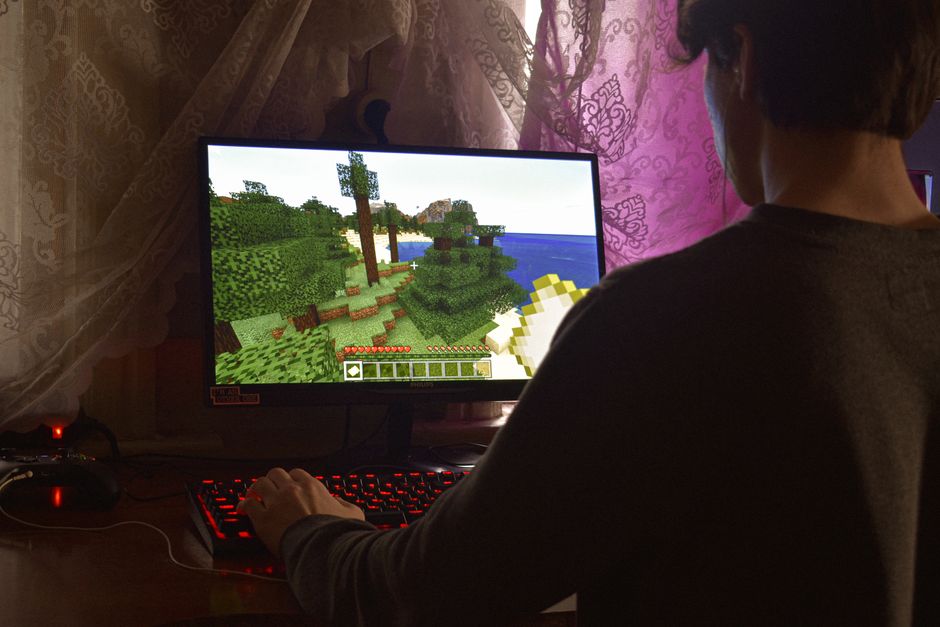
When setting up a Minecraft server, one of the most crucial decisions involves determining the amount of RAM needed. The server’s RAM directly impacts its performance, affecting gameplay smoothness, the number of players it can support, and the complexity of the game world. Here’s a breakdown of the key factors influencing Minecraft server RAM requirements:
Vanilla Minecraft Servers
Vanilla servers are the simplest form of Minecraft servers, running the game without any modifications. The RAM requirements for vanilla servers primarily depend on the number of players:
- 1-10 Players: Typically, 1GB to 2GB of RAM is sufficient.
- 10-20 Players: Consider 2GB to 4GB of RAM for optimal performance.
- 20+ Players: More than 4GB of RAM is recommended to handle increased player activity.
Minecraft Servers with Plugins
Servers using plugins, often set up using platforms like Spigot or Bukkit, require additional RAM to manage the enhanced features:
- Basic Plugins: With a few basic plugins, add an extra 0.5GB to 1GB of RAM to the vanilla requirements.
- Numerous or Complex Plugins: Servers using a large number of plugins or resource-heavy plugins should consider adding 2GB or more to ensure smooth operation.
Modded Minecraft Servers
Modded servers, which use mods to alter gameplay significantly, have the highest RAM demands due to the complexity and additional data processing required:
- Light Modpacks: For light modpacks, an additional 2GB to 3GB beyond the vanilla requirements is usually sufficient.
- Heavy Modpacks: Extensive modpacks may require 4GB to 8GB or more to accommodate the increased resource needs.
In conclusion, accurately assessing your server’s RAM needs involves considering the type of server, the number of players, and the complexity of plugins or mods being used. Adequate RAM allocation ensures a smooth and enjoyable Minecraft experience for all players.
RAM Recommendations for Vanilla Minecraft Servers
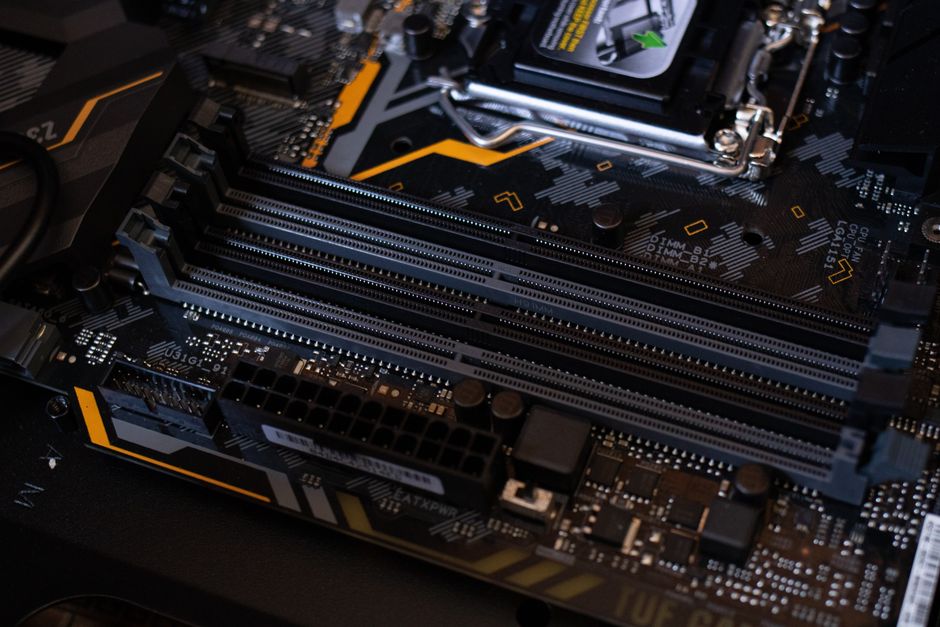
Vanilla Minecraft servers are the most basic form of Minecraft servers, running without any modifications or plugins. The RAM required for a smooth gaming experience on a vanilla server depends on the number of players and the server’s intended use. Here are some guidelines to help you determine the appropriate amount of RAM for your vanilla Minecraft server:
1-10 Players
For a small group of players, a minimal amount of RAM is needed. This setup is suitable for friends or small communities who want to enjoy Minecraft without any additional features.
Read more: Optimal Server Specs for Running a Minecraft Server
If you need this service, Rackset’s team provides professional Minecraft server with full support so you can rely on the quality and get set up quickly.
- Recommended RAM: 1-2 GB
- Use Case: Casual gameplay with minimal server load.
10-20 Players
When hosting a server for a medium-sized group, additional RAM is required to ensure smooth performance, especially if players are exploring new areas or building large structures.
- Recommended RAM: 2-4 GB
- Use Case: Moderate exploration and building activities.
20-50 Players
Larger communities will need more resources to handle the increased player activity and world exploration. This range is ideal for servers with active player bases.
- Recommended RAM: 4-8 GB
- Use Case: Active communities with significant world development.
50+ Players
For servers hosting a large number of players, a substantial amount of RAM is essential to maintain performance, especially during peak times.
- Recommended RAM: 8 GB or more
- Use Case: Large-scale servers with extensive player interaction and world expansion.
By considering these guidelines, you can ensure that your vanilla Minecraft server runs smoothly and provides an enjoyable experience for all players.
RAM Recommendations for Minecraft Servers with Plugins
Running a Minecraft server with plugins requires a careful consideration of RAM allocation to ensure smooth gameplay. Plugins add additional features and functionality to the game, but they also consume more resources. Here’s a guide to help you determine the appropriate amount of RAM for your server with plugins.
Basic Plugin Setup
If you’re planning to run a small server with just a few basic plugins, you can start with a modest amount of RAM. This setup is suitable for a small group of players and minimal plugins.
- Number of Players: 5-10
- Recommended RAM: 2-3 GB
- Plugin Examples: Essentials, WorldEdit, PermissionsEx
Moderate Plugin Setup
For servers hosting a moderate number of players and a larger selection of plugins, additional RAM is necessary. This setup allows for a richer gameplay experience with more functionality.
- Number of Players: 10-30
- Recommended RAM: 4-6 GB
- Plugin Examples: Dynmap, mcMMO, GriefPrevention
Advanced Plugin Setup
Servers with a high number of players and a wide range of complex plugins will require significantly more RAM. This setup is ideal for communities that want extensive features and customization.
Read more: Rackset vs Contabo: VPS & Dedicated Hosting Compared
For projects that need guaranteed resources and full root control, a VPS is the right step up from shared hosting. With VPS hosting you get dedicated CPU/RAM, NVMe storage, a dedicated IP and high uptime, deployed in minutes.
- Number of Players: 30-50+
- Recommended RAM: 8 GB or more
- Plugin Examples: Towny, SkyBlock, AdvancedBan
Remember, the number of plugins and their complexity can greatly influence the RAM requirement. Always monitor your server’s performance and adjust the RAM allocation as needed to ensure optimal performance.
RAM Recommendations for Modded Minecraft Servers
Modded Minecraft servers require more RAM than vanilla servers due to the additional resources needed to run mods. The amount of RAM you’ll need depends on the number and complexity of the mods you plan to use. Here are some guidelines to help you determine the appropriate amount of RAM for your modded Minecraft server:
Light Modpacks (Up to 50 Mods)
- Recommended RAM: 3-4 GB
- Light modpacks typically include quality of life improvements and a few gameplay enhancements.
- These modpacks are generally less resource-intensive, making them suitable for servers with a smaller player base or those looking to maintain a lower resource footprint.
Medium Modpacks (50-100 Mods)
- Recommended RAM: 4-6 GB
- Medium modpacks often include a mix of gameplay, technology, and magic mods.
- They require more resources to handle the increased complexity and interactions between mods.
Heavy Modpacks (100+ Mods)
- Recommended RAM: 6-8 GB or more
- Heavy modpacks usually feature extensive gameplay changes, including technology trees, magic systems, and new dimensions.
- These modpacks can be resource-intensive, requiring significant RAM allocation to ensure smooth performance.
Custom Modpacks
- Recommended RAM: Varies based on mod count and complexity
- Custom modpacks may have unique requirements depending on the specific mods included.
- Consider the individual resource demands of each mod and the server’s expected player count when allocating RAM.
Always monitor your server’s performance and adjust the RAM allocation as necessary to accommodate changes in mod usage or player activity.
Choosing the Right Minecraft Server Plan
When selecting a Minecraft server plan, one of the most crucial considerations is the amount of RAM you will need. The RAM requirement varies depending on whether you are running a vanilla server, using plugins, or hosting a modded server. Below, we provide guidance to help you choose the right plan for your needs.
Vanilla Servers
Vanilla servers are the simplest form of Minecraft servers, running the game without any modifications. The RAM requirements are generally lower compared to other server types.
- Small Community (1-10 players): 1-2 GB of RAM is usually sufficient.
- Medium Community (10-20 players): 2-3 GB of RAM is recommended.
- Large Community (20+ players): Consider 4 GB or more to ensure smooth gameplay.
Servers with Plugins
Adding plugins can enhance gameplay but also increases the RAM requirements. Plugins can range from simple quality-of-life improvements to complex systems that alter game mechanics.
- Basic Plugins (1-10 players): 2-4 GB of RAM is advised.
- Moderate Plugins (10-20 players): 4-6 GB of RAM may be necessary.
- Extensive Plugins (20+ players): 6-8 GB of RAM or more is recommended for optimal performance.
Modded Servers
Modded servers offer the most extensive modifications to the game, often requiring considerable resources.
Read more: Domain Extensions Explained: .com, .net, .org & Beyond
- Light Modpacks (1-10 players): 3-5 GB of RAM should suffice.
- Medium Modpacks (10-20 players): 5-8 GB of RAM is typically needed.
- Heavy Modpacks (20+ players): 8 GB of RAM or more is advised to handle the increased load.
Ultimately, the right server plan depends on your specific needs and player base. It’s always a good idea to monitor server performance and adjust your plan as necessary to ensure a seamless gaming experience.
Additional Considerations for Minecraft Server Performance
When planning for optimal performance of your Minecraft server, RAM is essential, but several other factors also play a significant role. Ensuring these elements are addressed can significantly enhance the gaming experience for players.
For heavy workloads and maximum performance, a dedicated bare-metal server gives you an entire physical machine. Rackset’s dedicated server deliver full hardware, root access and configurable port speeds for the most demanding sites and apps.
Processor Performance
The CPU is crucial for processing game logic and handling multiple players. A server with a powerful multi-core processor can better manage the demands of a busy Minecraft server. Rackset offers dedicated servers equipped with the latest CPUs, ensuring your server can handle intensive operations smoothly.
Network Bandwidth
Network speed and bandwidth are vital, especially for servers with a large number of players. A stable and fast internet connection minimizes latency and ensures a seamless experience. Rackset provides high-speed network connections with low latency, ideal for maintaining smooth gameplay.
Disk Speed and Storage
Fast storage solutions like SSDs can improve server performance by speeding up world loading times and reducing lag. Adequate storage is necessary for storing worlds, mods, and backups. Rackset’s hosting plans include SSD storage, which enhances data retrieval speeds and ensures efficient server operation.
Server Location
The physical location of your server can affect latency. Choosing a server location close to your player base can reduce lag and improve connection speed. Rackset offers a variety of global server locations, allowing you to select the optimal location for your audience.
Regular Backups
Regular backups are crucial for protecting your server data against corruption or loss. Automated backup solutions can save time and ensure data safety. Rackset provides automated backup options, ensuring your data is secure and recoverable in case of any issues.
- Choose a server with strong CPU capabilities.
- Ensure high-speed and stable network connections.
- Opt for SSD storage for better performance.
- Select a server location close to your players.
- Implement regular automated backups.
Need expert help from Rackset?
Want this done fast, professionally and hassle-free? Rackset’s experienced team and full support are here to help you get the best result.
Conclusion
Determining the right amount of RAM for your Minecraft server depends on several factors, including the type of server (vanilla, plugins, or modded) and the number of players you intend to host. Vanilla servers generally require less RAM, while servers with numerous plugins or heavy modded environments demand more memory to ensure smooth gameplay. Assessing your specific needs and understanding the resource requirements of the mods or plugins you plan to use is crucial for optimal server performance.
As you plan your Minecraft server setup, consider Rackset’s hosting solutions to meet your RAM requirements efficiently. With scalable options and robust support, Rackset ensures that your server can handle any Minecraft adventure, providing a seamless and enjoyable gaming experience for you and your players.
Frequently Asked Questions
What is the minimum RAM requirement for a vanilla Minecraft server?
A vanilla Minecraft server typically requires at least 1GB of RAM for basic functionality. However, 2GB is recommended for smoother gameplay and to accommodate more players.
How does adding plugins affect the RAM needs of a Minecraft server?
Adding plugins to a Minecraft server increases its RAM requirements because each plugin consumes additional resources. Depending on the number and complexity of the plugins, you might need to add 1GB or more RAM to ensure optimal performance.
What are the RAM requirements for a modded Minecraft server?
A modded Minecraft server generally requires more RAM than a vanilla server due to the additional resources needed to run mods. It is recommended to allocate at least 4GB of RAM, with more required for heavily modded environments.
How can I determine the right amount of RAM for my Minecraft server?
To determine the right amount of RAM, consider the number of players, the type of server (vanilla, plugins, or modded), and the specific requirements of any mods or plugins. Testing different configurations can help find the optimal setup.
Can insufficient RAM cause problems for a Minecraft server?
Yes, insufficient RAM can lead to server lag, crashes, and poor performance, especially under heavy load or with many players. Ensuring adequate RAM allocation is essential for a stable and enjoyable gaming experience.
Leave a Reply